
Custom Products Preview Before Buying: See Your Personalized Gift First
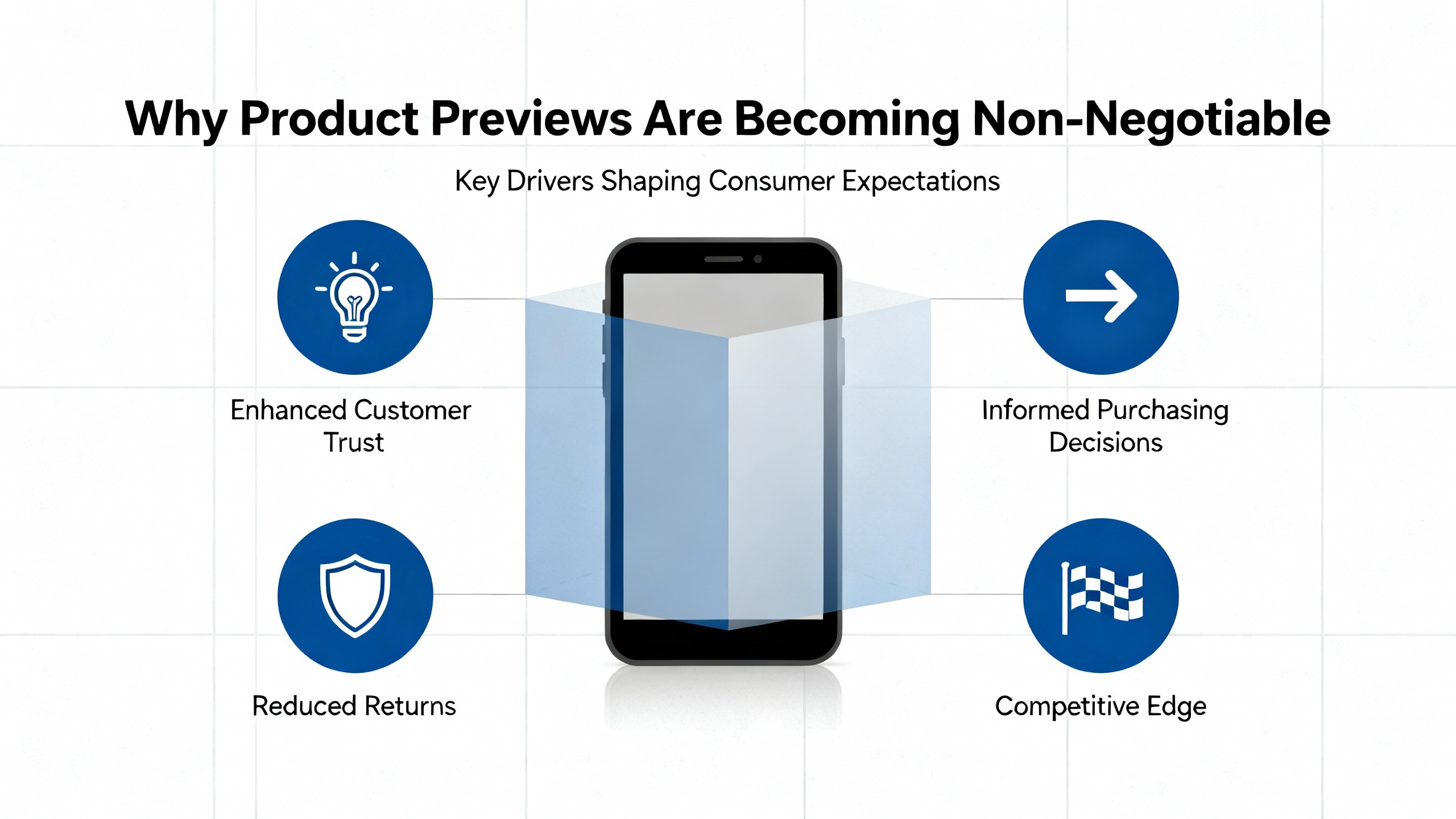
Why Product Previews Are Becoming Non‑Negotiable
In the last decade I have watched hundreds of on‑demand printing and dropshipping entrepreneurs learn the same lesson the hard way: when customers cannot clearly see what their personalized product will look like, you pay for that uncertainty through abandoned carts, nervous support tickets, and preventable returns.
Personalization itself is no longer optional. Research summarized by Dataforest shows that roughly three‑quarters of customers favor brands that personalize, and many are willing to come back and spend more when the experience feels tailored to them. McKinsey reports that around seven in ten consumers now expect personalized interactions and feel frustrated when they do not receive them. Visual personalization is simply the next step in that evolution.
A good custom product preview does two things at once. First, it gives the buyer the confidence of seeing “their” item before they commit, bridging the gap between imagination and reality. Second, it gives your business richer data and a cleaner production pipeline: every font, color, and placement decision is captured correctly before the order hits your printer or your partner’s dashboard.
In the on‑demand printing and dropshipping world, this becomes mission‑critical. You are often selling unique items that you cannot easily resell if the buyer is disappointed. The more customers can see their personalized gift in advance, the less room there is for misunderstandings and costly remakes.
What a Custom Product Preview Really Is
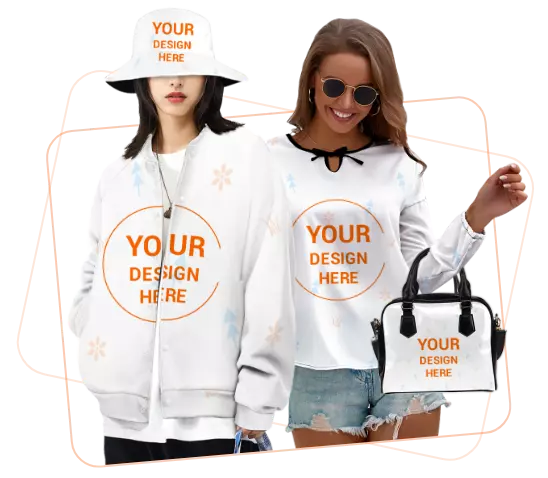
At its core, a custom product preview is an interactive visualization that updates in real time as shoppers personalize an item. On a Shopify store that might mean live text appearing on a mug in the product image as a customer types a name. In more advanced setups, it might mean a hat rendered onto a customer’s uploaded photo, or a 3D water bottle that spins and updates as they move a logo.
Shopify community discussions show where the bar is headed. Merchants are asking for live text previews on product images without touching code. Developers have responded with no‑code tools such as Seal Apps and Easify Product Options that overlay names, dates, or uploaded art directly on product photography. These tools handle fonts, text colors, and positioning, and they can even add a personalization fee that updates the price in real time.
Other solutions, such as Inkybay, go further: they let customers add graphics, rotate text, upload images, and see a live rendering of their design while the app simultaneously builds production‑ready files in vector or high‑resolution raster formats. Pricing for each customization option can be surfaced instantly, so buyers always know what their choices will cost.
On platforms like Wix, community experts openly acknowledge that a truly advanced previewer still requires serious custom code, often encapsulated in a custom element or HTML component. That contrast matters for founders: the demand for previews is clear, but the path to implementation depends heavily on your platform and your appetite for engineering.
From Static Images to 2D, Photorealistic, and 3D
Product visualization specialists describe a spectrum of preview technologies. Gokickflip defines product visualization as using 2D images, 3D models, augmented reality, or even virtual reality to help shoppers understand a product without touching it. For most custom gifts, strong 2D is the starting point, but the upper end of the spectrum is evolving quickly.
Printess, which focuses on personalized products, talks about photorealistic previews as a hybrid between 2D and 3D: a T‑shirt on a real person, or branded drinkware on a desk or in a boardroom that looks believable enough to grab. For curved objects such as bottles or mugs, they recommend true 3D previews where buyers can rotate the item and check that artwork is not distorted.
A McKinsey survey cited by Gokickflip found that almost half of respondents are interested in using metaverse‑style technologies such as AR and VR to shop within the next few years. That does not mean every store needs AR tomorrow, but it does tell you where customer expectations are heading.
The practical implication for a growing print‑on‑demand or dropshipping brand is simple. First, master robust 2D previews that update instantly when a customer changes text, color, or artwork. Only then consider photorealistic or 3D/AR where it materially reduces uncertainty, such as for higher‑ticket items, complex shapes, or home goods where fit in a room matters.
Why Seeing the Gift First Changes the Game
Hard Numbers: Conversions and Returns
Visual clarity is not just a nice‑to‑have; it moves revenue. A visual merchandising case study discussed by Fast Simon describes how simply adding more detailed images to product pages increased conversions by more than nine percent. A Shopify‑referenced report highlights that comprehensive visual displays can reduce return rates by up to twenty‑two percent because buyers better understand what they are ordering.
Those findings align with what personalization vendors see more broadly. Dotdigital reports that personalized recommendations on a site can directly drive measurable increments in online revenue. Barilliance analyzed hundreds of stores and found that sessions where shoppers engaged with recommendations converted at almost three times the rate of sessions where they did not, and average order value jumped by several multiples when customers interacted with recommended items. Visual personalization amplifies those effects because recommendations now show exactly how a suggested complementary product will look alongside the main purchase.
Printess repeatedly links better previews to higher purchase rates and bigger carts, especially when the same design is mocked up on several items. Showing a customer their chosen artwork on a mug, a hoodie, and a phone case in seconds gives them a highly visual reason to add more products without any extra design work on your side.
Reducing the Emotional Risk of Gift‑Giving
For gift buyers, the psychological stakes are even higher than for self‑purchases. They are not just asking “Will I like this?” but “Will the person I care about love this or think I missed the mark?”
Research summarized by Helio and The Good underlines that letting customers personalize products increases purchase intent and helps them feel more connected to the brand. Add a trustworthy preview to that experience and you effectively let them “own” the gift emotionally before it ever ships. They see the monogram exactly where it will sit on the leather wallet or the pet portrait perfectly centered on the canvas. That moment of recognition is where hesitation disappears.
Brands such as Medelita and Pottery Barn, highlighted by The Good, have leaned into this by providing accurate visual previews of monograms and logo placements. In sectors as different as lab coats and home decor, they have proven that when the final look is clear, customers buy more confidently and with fewer regrets.
Loyalty, Data, and Long‑Term Advantage
Platforms like VividWorks and Threekit point out that interactive customization and accurate previews also feed a powerful data loop. When you watch which colors, layouts, and fonts customers actually choose inside your configurator, you are sitting on first‑party behavioral data at a level of detail that generic analytics cannot match.
Studies synthesized by VividWorks show that mastering personalization and customization correlates with revenue lifts in the ten to fifteen percent range and higher business growth compared with peers. McKinsey and others argue that this kind of data‑driven personalization is becoming a new baseline for competitiveness, not a temporary differentiator.
In practical terms, that means a well‑implemented preview is not only a sales tool; it is a long‑term asset. It underpins smarter merchandising, better pricing, and more relevant cross‑selling over time.
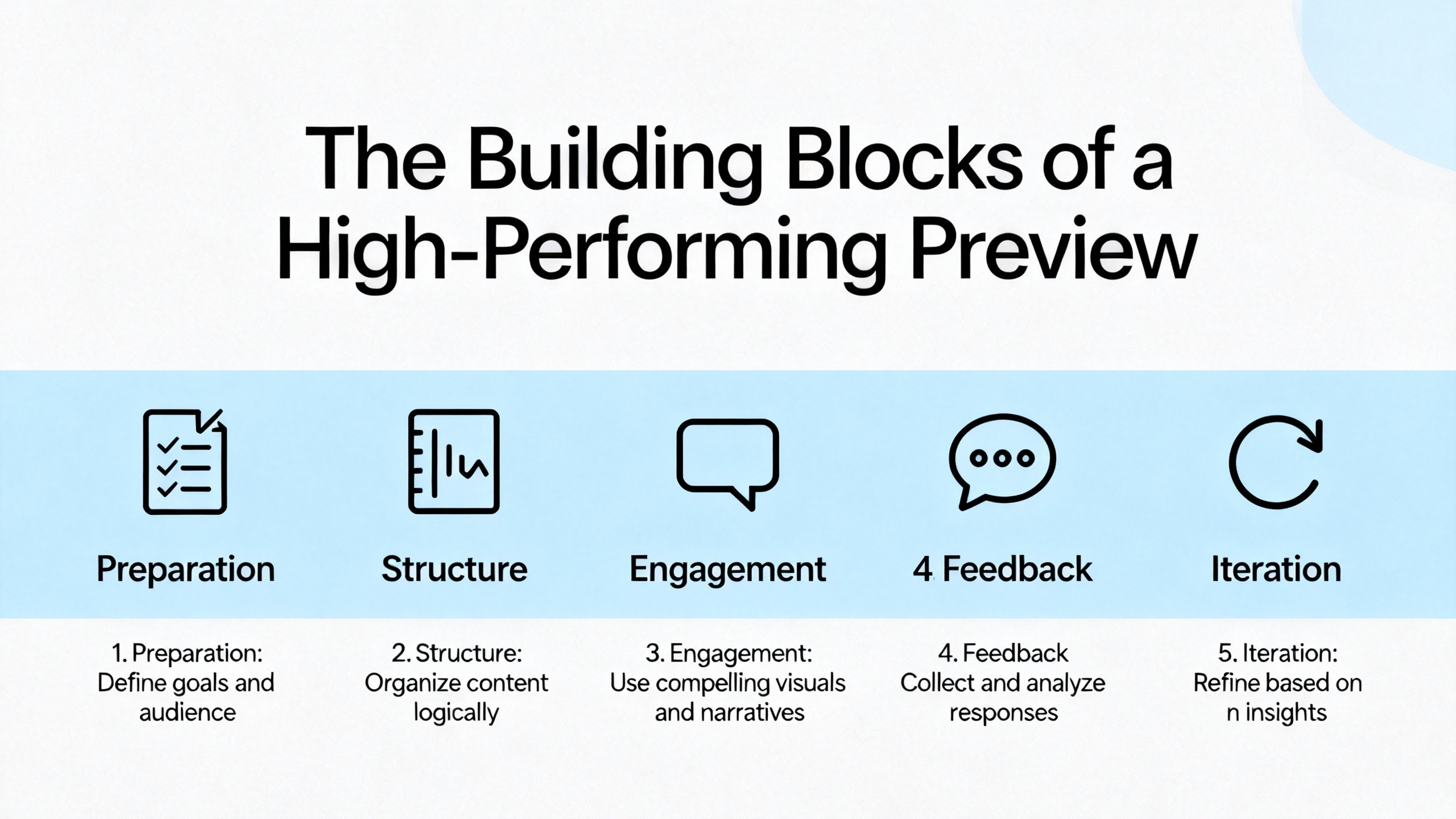
The Building Blocks of a High‑Performing Preview
High‑Quality Base Assets Without Killing Performance
You cannot generate a convincing preview from poor source images. Fast Simon’s guidance on visual merchandising stresses high‑resolution photography that clearly shows texture, color, and size, particularly for fashion, electronics, and home goods. They reference a resolution around three thousand by three thousand pixels at professional print quality as a practical target.
At the same time, they warn that uncompressed photography can slow down your pages. Faster loading sites convert better, especially on cell phones. Their recommendation is to balance quality and performance using formats such as JPEG or PNG, and to optimize file sizes so pages stay snappy without losing visual fidelity.
Zazzle creators offer useful, hands‑on advice for preparing assets. A visual artist on the Zazzle community explains how they use tools like Photoremove to strip backgrounds and retouch images before uploading them for product previews. They have even developed a simple naming system: appending “a” to filenames after background removal and “b” after retouching so they can track which version is production‑ready. It is a small operational detail, but those are the practices that keep a preview pipeline reliable when you are handling hundreds of SKUs.
Real‑Time Rendering and UX Flow
In my mentoring work, I treat “real‑time” as non‑negotiable. If there is a lag between a customer typing and the preview updating, you can watch abandonment climb.
Shopify‑focused tools such as Seal Apps and Easify Product Options have built their value proposition around live previews with no theme coding. You configure fields, fonts, and overlays inside the app dashboard, and the shopper sees their text or image rendered directly onto the product image in the storefront as they type or upload. Inkybay similarly updates both the visual preview and the price at the same time as customers toggle options, remove elements, or upload logos.
On the UX side, best practice from Threekit and other configurator vendors is to keep the interface uncluttered and step‑by‑step. Show only the relevant options at each stage, use clear labels instead of technical jargon, and make the preview prominent on both desktop and mobile screens. Shopify’s own guidance encourages conditional logic in options so that customers only see choices that matter for their earlier selections. That keeps the experience powerful without overwhelming less technical shoppers.
Handling Text, Images, and Layout Constraints
Custom gifts often combine multiple personalization types: a name, a date, a short message, and an uploaded photo. That complexity shows up in three main challenges.
The first challenge is brand consistency. Seal Apps, for example, allows merchants to use custom fonts so preview text matches brand typography instead of generic system fonts. This matters when your email marketing, product page copy, and physical products all project a particular style.
The second challenge is layout constraints. Many founders discover that letting customers type anything can lead to names that wrap awkwardly or messages that shrink to illegible sizes. Modern product‑options apps counter this with character limits, font size rules, and smart wrapping so the preview remains realistic.
The third challenge is multi‑surface or curved products, where a flat design must be intelligently mapped. Here, Printess and similar tools emphasize the importance of curved previews and rotation so the customer can see where design elements fall and whether any part will be cut off or distorted.
When 3D and AR Make Sense
Full 3D and AR are powerful, but they are not free. They require 3D models, careful lighting, and more integration work. The product visualization guidance from Gokickflip suggests a simple rule: ensure robust 2D first, then add 3D or AR selectively where product category and budget justify it.
Furniture, large home goods, and high‑value items benefit disproportionately. VividWorks points to categories such as configurable furniture, baths and kitchens, and automotive where 3D configurators with room planning and AR can justify their cost through higher conversion and lower returns. For a mug with a name on it, that level of complexity is usually unnecessary. For a modular shelving system or a large custom canvas that must fit a wall, it is a different story.
McKinsey’s observation that many consumers want to shop with AR or VR in the near future is a useful strategic signal. If your brand sells large, high‑consideration personalized products, planning for some form of 3D or AR preview in your medium‑term roadmap is prudent.
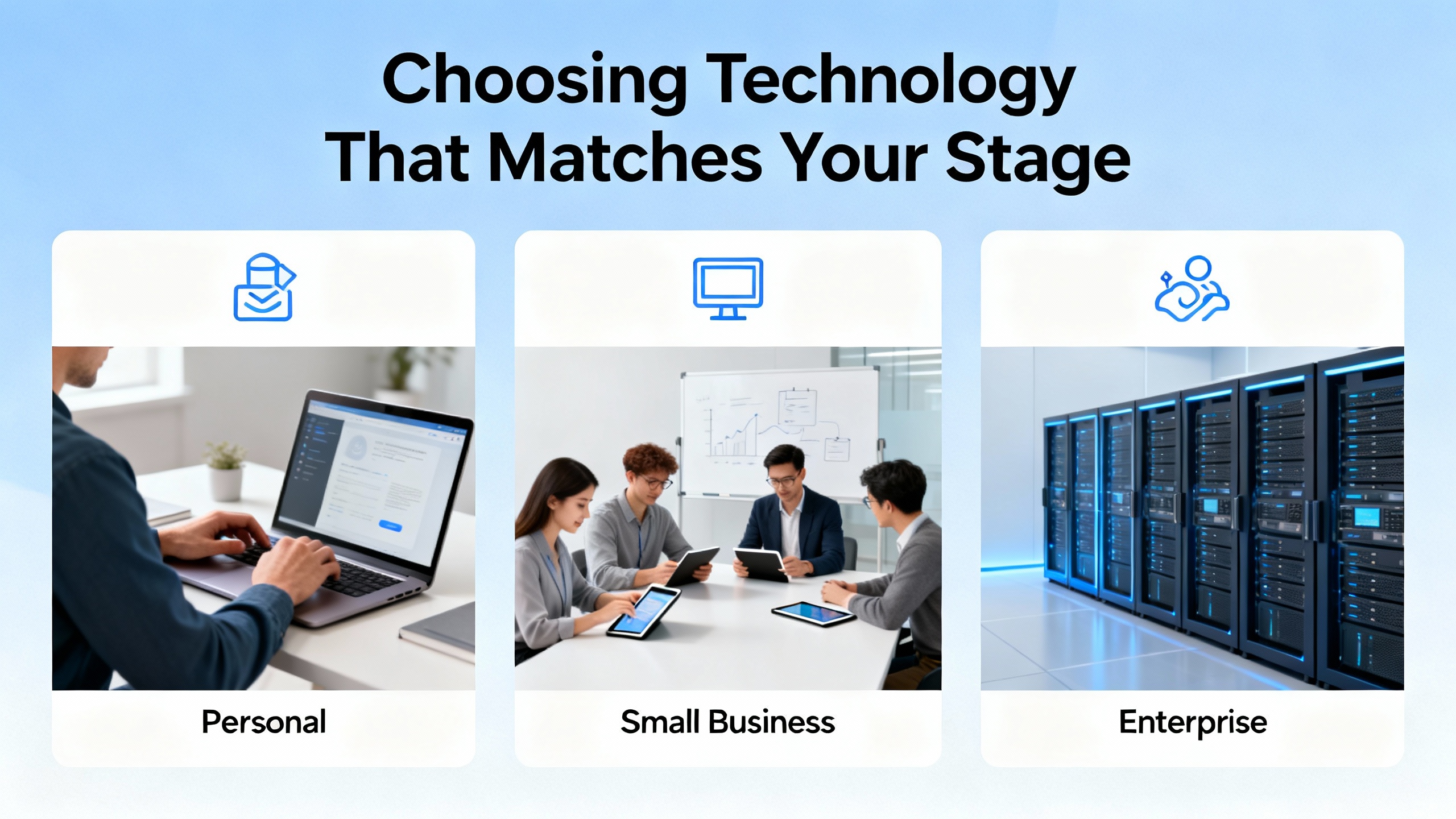
Choosing Technology That Matches Your Stage
No‑Code Options on Commerce Platforms
If you are on Shopify or a Shopify‑like platform, start by looking at specialized product‑options apps before calling a developer. Shopify community threads strongly recommend apps such as Seal Apps, Easify Product Options, and Inkybay for merchants who want live previews without touching theme code.
These apps let you add text fields, color pickers, and file uploads to product pages, map those inputs to overlays on your product images, and define any additional charges for personalization. Easify positions itself explicitly as fully managed from the app interface, from front‑end preview to back‑end settings. Inkybay adds the ability to download print‑ready files in vector formats such as SVG or PDF, as well as high‑resolution PNG or JPG, which is ideal for on‑demand printing workflows. Their tiered pricing and free trial windows make them approachable even for new stores.
This no‑code path keeps your early‑stage risk low. You are paying a monthly app fee instead of a custom development project, and you can switch tools as your needs evolve.
Custom Previewers on Site Builders
On platforms where the app ecosystem is less mature, such as some Wix setups, community experts candidly note that there is no built‑in technology that delivers sophisticated previews out of the box. One Wix Studio discussion describes a custom “previewer” as a complex front‑end interface that has to be hand‑coded, often embedded via a custom element or HTML component. This is powerful but demands serious technical skill and time.
Squarespace store owners face a different limitation. Their scheduling tools can hide products until launch, but then nobody can see any details or previews until the scheduled time. A clever workaround suggested by an experienced community member is to publish the product immediately with inventory set to zero. Customers can view the full product page and any preview you embed, but cannot add the item to their cart until you increase stock. For larger catalogs, they recommend exporting products to CSV, editing stock levels, and re‑importing when you are ready to go live.
The lesson for founders is simple. On site builders with limited native support, be prepared to either invest in custom coding or accept constraints and work with inventory tricks. Do not assume that every platform will give you Shopify‑style product‑options apps.
Specialized Visualization Platforms
Beyond platform apps, there is a growing category of dedicated product visualization and configurator tools. Gokickflip, Threekit, Printess, and VividWorks each approach the problem from a slightly different angle, but they share common traits: real‑time rendering, support for numerous customization options, and integrations with major commerce platforms.
Kickflip positions itself as an accessible 2D visualization platform, focusing on real‑time renderings and unlimited customization options with pay‑as‑you‑go pricing for growing ecommerce brands. Threekit emphasizes advanced 3D and AR visualization. Doogma and Configure ID, mentioned alongside Threekit, focus on 3D and photorealistic visualization with live renderings. VividWorks sits at the high end for configurable furniture and interior products, offering real‑time 3D visualization, rule‑based configuration, and Visual CPQ capabilities.
Printess focuses on personalized print products, highlighting photorealistic previews and scalable mockups. They allow merchants to upload their own 3D models and reuse the same customer design automatically across multiple products, turning mockups into an upsell engine without extra design work.
VividWorks outlines useful selection criteria for founders evaluating these platforms: alignment with your product types, solid user experience on both web and mobile, robust integrations with platforms such as Shopify or Magento, scalability for complex rules, and pricing that makes sense once you factor in expected conversion lifts and higher average order values.
Designing Preview Experiences That Actually Sell
Keep the Journey Simple and Structured
A frequent mistake I see in early implementations is dumping every option on the screen at once. The Good recounts a case where too many upfront configuration choices contributed to abandonment for a furniture brand; only after streamlining and structuring the flow did conversions improve.
The fix is straightforward. Guide customers step by step. Start with one or two high‑value decisions, such as base product or primary color, then reveal secondary options like accent colors, fonts, or small add‑ons. Use plain language labels instead of internal jargon. Where your platform allows, follow Shopify’s advice and use conditional logic so that only relevant options appear based on prior choices.
Threekit and VividWorks both emphasize responsive design. Your preview must work flawlessly on smaller screens, with controls that are easy to tap and a preview window that stays legible. If a customer cannot comfortably personalize a product from their couch on a cell phone, you are leaving money on the table.
Connect Customization and Pricing Transparently
Nothing kills trust faster than surprise charges at checkout. Apps such as Seal Apps and Inkybay solve this by letting you attach prices to specific customization actions and update the total in real time while the customer is still personalizing. As shoppers add a second print area or choose a premium finish, they immediately see the new price, just as they would with an in‑person sales associate.
This transparency does two things. It reduces sticker shock at checkout, and it opens the door to healthy upsells. Customization research cited by The Good points to consumers who are willing to pay meaningful premiums for personalized products, often around twenty percent. Shopify notes that a simple T‑shirt can move from commodity pricing into significantly higher price brackets once it becomes a highly customizable canvas. When your preview clearly shows the upgraded product and the incremental price in context, buyers are far more comfortable stepping up.
McKinsey and Barilliance also stress that targeted offers and personalized recommendations built on behavioral data outperform blanket discounts. Combine those tactics with live previews and you can, for instance, show a shopper a personalized phone case plus a matching laptop sleeve, already rendered with their initials, alongside a time‑sensitive bundle offer.
Use Previews to Feed Smarter Recommendations
Every action a customer takes inside a configurator is a rich personalization signal. Dotdigital shows how omnichannel recommendation engines increase revenue by aligning on‑site feeds, browse‑abandon emails, and in‑parcel inserts. Barilliance reports that product recommendations can account for double‑digit percentages of ecommerce revenue, and that interacting even once with a recommendation drives large gains in conversion rate and average order value.
Imagine pairing that with your preview data. If a shopper designs a navy‑and‑gold monogrammed notebook, your recommendation logic can prioritize complementary products in the same color palette already pre‑personalized with their initials. Bluecore’s work with personalized product recommendations highlights how brands like Hammacher Schlemmer use behavioral data to send different product sets to customers from a single campaign, based on what each person browsed. Visual previews make those recommendations even more compelling.
Integrations between user‑generated content platforms and marketing tools, such as the collaboration between Bazaarvoice and Klaviyo, show another path. When customers interact with reviews and Q&A on a particular personalized product, that interaction can trigger segmented flows, review requests, win‑back campaigns, and surprise‑and‑delight messages. Folding previews into those emails and texts is a natural extension.
Operational Readiness: From Preview to Production
A glossy preview is useless if your production team cannot reliably reproduce it. This is where tools like Inkybay and Printess have engineered strong value. Inkybay generates production‑ready files in vector or high‑resolution raster formats that print teams can use immediately. Printess focuses on a workflow where the design created in the online editor is the same one sent to the printer, with mockups generated almost for free on top.
Shopify’s guidance on product customization stresses that data from the storefront must flow cleanly into fulfillment systems and print‑on‑demand partners, whether via line item properties, metadata, or attached design files. They advise merchants to run test orders before fully launching new customization flows, verifying that every personalization field and uploaded file lands correctly in the order record.
Printify demonstrates how a home‑based embroidery business can leverage print‑on‑demand to avoid buying machines upfront, as long as designs are correctly digitized and passed to production. The same principle applies to any dropshipping or POD relationship: respect the technical requirements of your suppliers, and design your preview outputs to match.
Small operational habits, such as the Zazzle creator’s file naming convention with “a” for background removed and “b” for fully retouched images, are the sort of disciplined practices that keep a customization business scalable.
Pros and Cons of Letting Customers See Their Personalized Gift First
A balanced view is important. Previews introduce both benefits and trade‑offs.
Here is a concise comparison.
Upside | What to watch carefully |
|---|---|
Higher conversion and average order value | Development and licensing costs for preview technology |
Lower return rates and fewer disputes | More complex production workflows and quality control demands |
Stronger brand differentiation and loyalty | Longer product page load times if visuals and scripts are not optimized |
Rich first‑party data for personalization | Risk of misaligned expectations if the preview is not truly accurate |
Better upsell and cross‑sell opportunities | Need for clearer policies on customization lead times and non‑returnable items |
The key is to treat preview technology as a strategic investment. If you sell generic, low‑margin commodity items, a sophisticated preview might not pay off. If your business is built around meaningful personalization, it often becomes as fundamental as your payment gateway.
A Practical Roadmap for On‑Demand and Dropshipping Brands
From a mentoring standpoint, I advise founders to phase their adoption rather than jumping straight into the deep end.
Start with a single flagship product that has clear personalization demand, such as a monogrammed hoodie, a pet portrait canvas, or a custom mug. Implement a robust 2D preview with live text and image placement using an app like Seal Apps, Easify Product Options, or Inkybay on Shopify, or a comparable tool on your platform. Keep options intentionally limited and copy on the product page extremely clear.
Once that product is live, measure the basics: view‑to‑cart rate, cart‑to‑purchase rate, average order value, and return rates, before and after the preview. Dotdigital’s and Barilliance’s findings suggest that even modest improvements in these metrics can translate into meaningful revenue, especially if recommendations and email flows are tuned accordingly.
Next, roll previews out to adjacent products that share similar templates, reusing as much image and layout work as possible. This is where Printess‑style mockup reuse becomes powerful. The same birthday design a customer creates for a T‑shirt can be one click away from being applied to a tote bag, a mug, and a phone case.
As volume grows, gradually improve depth rather than breadth. Add better base photography following Fast Simon’s visual guidelines, tighten your character limits and layout rules, and refine cross‑sell recommendations using behaviors captured inside the configurator. Consider more advanced visualization such as 3D or AR only when you reach categories where static previews clearly limit confidence, such as large home decor or modular furniture.
Throughout, invest in your data infrastructure. McKinsey and VividWorks both emphasize that next‑generation personalization requires solid data foundations: clean first‑party data, robust event tracking, and the ability to feed that data into decision engines for targeted offers. Previews are one of the richest sources of such data you will ever own; do not leave that value untapped.
Short FAQ
Do I really need 3D or AR previews for my custom products?
Most on‑demand printing and dropshipping brands can unlock the majority of value with well‑executed 2D previews. Gokickflip and Printess both recommend starting with high‑quality 2D visualization, then layering 3D or AR only for categories where spatial context or complex forms truly matter, such as furniture, room decor, or curved products where distortion is a concern.
How do I avoid overwhelming customers with too many customization options?
The Good’s work with customizable furniture shows that too many choices at once can hurt conversion. Use a guided flow, reveal options progressively, and rely on conditional logic where your platform allows it. Focus first on a small set of meaningful choices that create clear visual impact and perceived value, then expand thoughtfully as you learn what customers actually use.
What if my platform does not have ready‑made preview apps?
In ecosystems like Wix or Squarespace, community experts often recommend custom‑coded previewers embedded via HTML components or custom elements, which requires advanced development skills. When that is not feasible, use platform‑specific workarounds: for example, in Squarespace you can publish products with zero inventory so customers see the page and any static preview while being unable to check out until you are ready. If your store depends heavily on personalization and you cannot achieve the necessary preview experience, it may be worth considering a platform migration as part of your long‑term strategy.
Closing Thoughts
In the print‑on‑demand and dropshipping space, letting customers see their personalized gift before buying is rapidly shifting from “nice feature” to “competitive baseline.” Founders who invest early in clear, honest, and technically sound previews reduce friction, earn more trust, and build businesses that scale on quality rather than customer service firefighting. If you treat your preview experience as carefully as you treat your designs and your margins, you will be far better positioned for the next wave of personalization‑driven ecommerce.
References
- https://www.printful.com/design-your-own-products
- https://www.barilliance.com/personalized-product-recommendations-stats/
- https://dataforest.ai/blog/the-power-of-personalized-product-recommendations-understanding-implementing-and-optimizing-strategies
- https://gokickflip.com/blog/product-visualization
- https://www.printess.com/blog/previews-personalized-products.html
- https://www.shopify.com/blog/product-customization
- https://www.threekit.com/blog/how-to-create-interactive-product-customization
- https://twikit.com/what-are-the-best-practices-for-presenting-customizable-products-online/
- https://userguiding.com/blog/personalized-product-experience
- https://www.vividworks.com/blog/product-customization-for-ecommerce